Keep periods distinct
Group client requests by reporting period so the team can focus on the month in progress.
Monthly collection workflow for bookkeeping teams
Endreceipts is being built to help bookkeeping teams organize each reporting period, spot outstanding client items, and keep review work moving.
The staff workspace requires an ERP•AI account. This site does not collect sign-ups or payments.
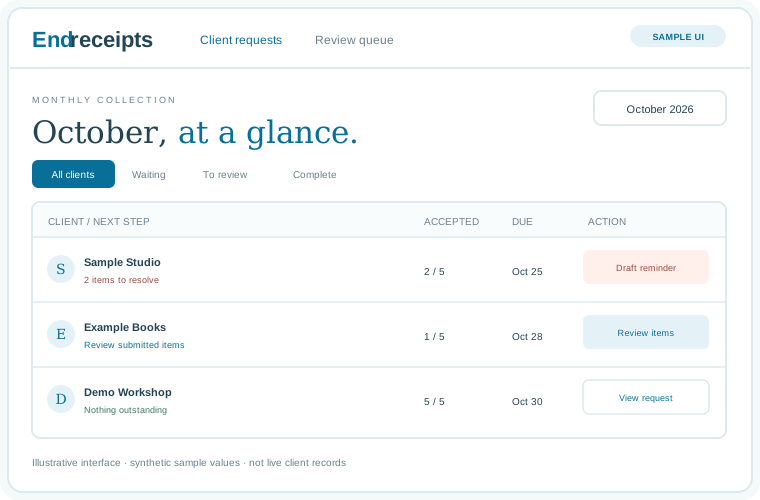
A look inside
These illustrative previews show the intended staff experience. The names and numbers are synthetic examples, not live customer data.
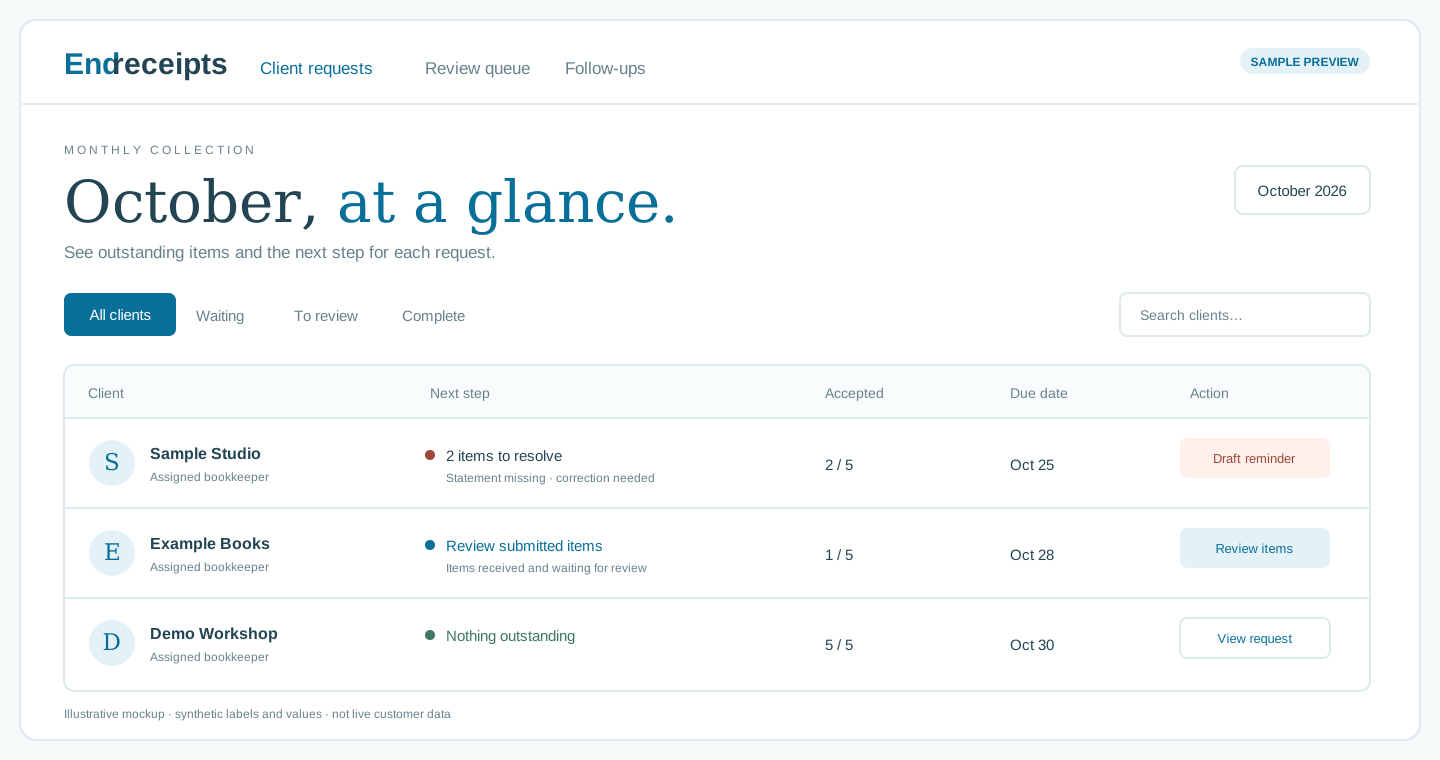
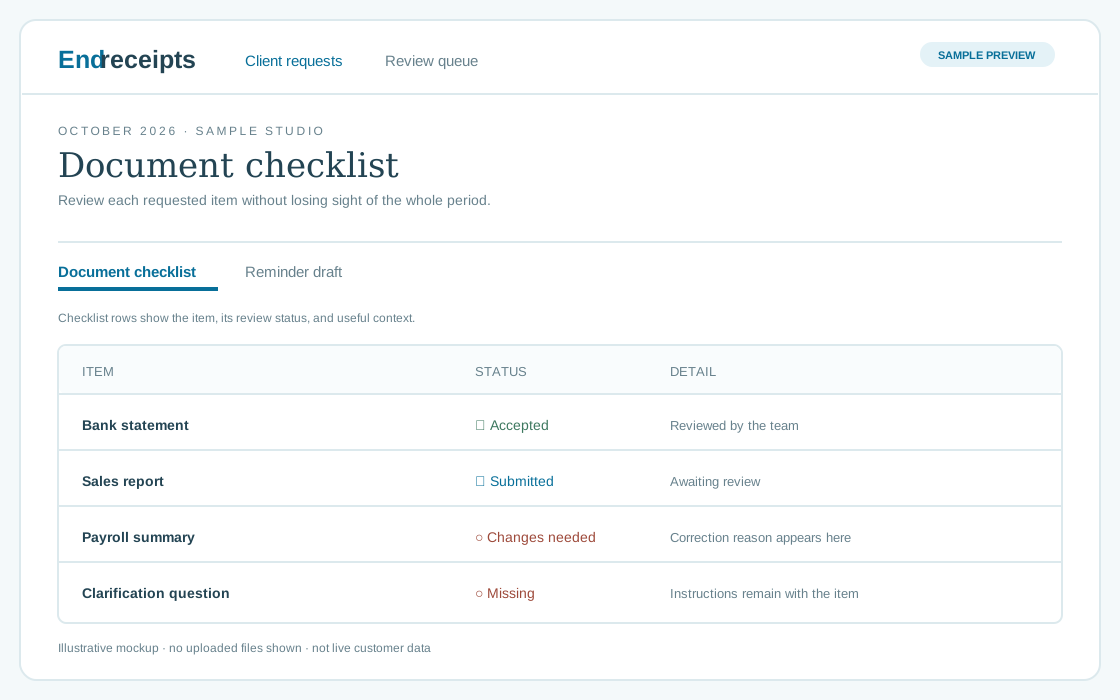
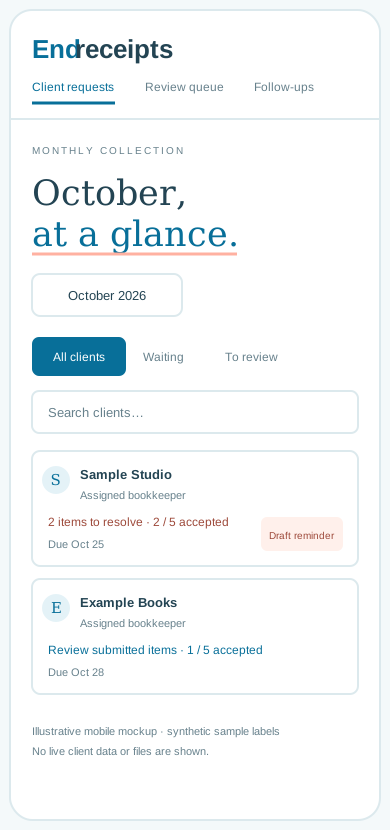
A calmer monthly routine
A clear request helps a team know what is still needed and what is ready for attention. Endreceipts’ current work is focused on the bookkeeping team’s side of that process.
Group client requests by reporting period so the team can focus on the month in progress.
Distinguish missing items from submissions awaiting a bookkeeping review.
Use the outstanding checklist to guide the next conversation with a client.
Current stage
The Endreceipts workspace is built in ERP•AI. This public page explains the product direction; it does not create a customer account or accept a subscription.
Client sign-in, private document uploads and downloads, outbound reminder sending, and online subscription payments are not enabled here. Until client-by-client access and file privacy are verified, use a firm’s existing secure file-sharing process for sensitive documents.
A few straightforward answers
Not yet. Those features stay off until customer access and private file permissions are verified.
No. There is no subscription checkout on this site today.
It is the platform where the current Endreceipts staff workspace and its records are stored.
It opens Endreceipts inside ERP•AI and requires an authorized ERP•AI sign-in.